
Luotu Grid3
Suunniteltu käytettäväksi Grid3:ssa


Notes_Essai MP_23 mars 22
progr incomplète pour essais épicerie dans Notes avec copier coller éval MP (AB)



Notruf
Seitenset mit einer großen Taste um per Kurzwahl eine voreingestellte Nummer zu wählen. Notruf, Schwesterntelefon oder Angehörige. Verbindung mit einem Handy per Bluetooth ist Vorraussetzung.
Noughts and Crosses
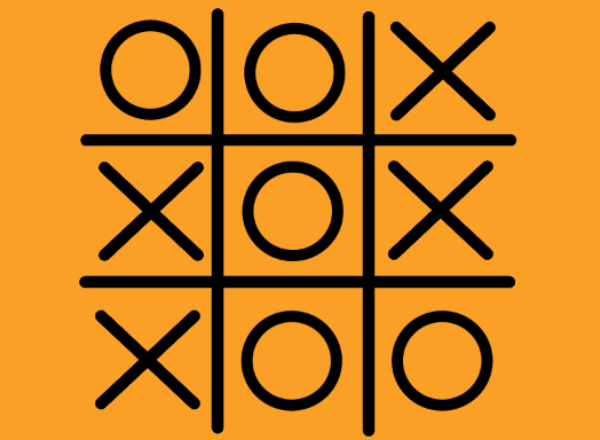
Play Noughts and Crosses with a friend using Grid 3. Keeping score? Use the score card to keep track.
Noughts and Crosses
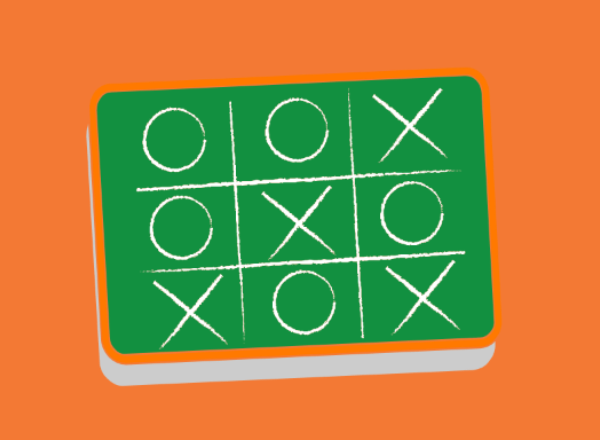
Noughts & Crosses or Tic Tac Toe. Simple (easy) challenge game using SmartBox interactive learning module. Usable by switch user, touch and eyegaze (rest cell hidden). Feedback welcome drossi@rhn.org.uk
Noughts and Crosses
Play Noughts and Crosses with a friend using Grid 3- adapted for simple switch use


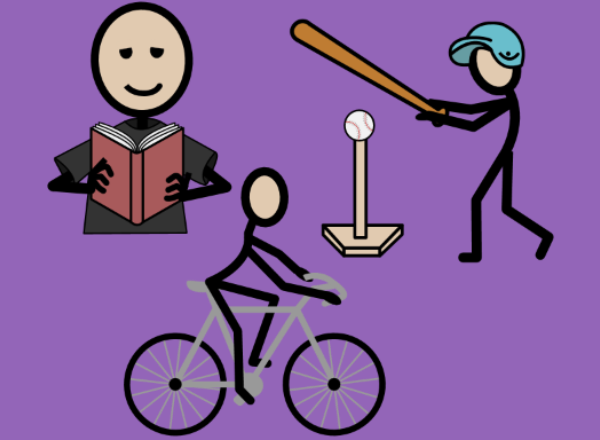
Now & Next
Basic timetable selection allowing user to choose an activity to do "now" and "next"/later. Instruction grid page available within gridset. Feedback welcome drossi@rhn.org.uk
now + next. OANO
This GRID set is used to support pupils through the transitions of the day. It provides a simple step by step of the activities that are Finished, Now, and Next. P


Now and next
Now and next symbol support First and then symbol support Education Special Education Schools Communication EYFS Early years SEN S.E.N Support Communication Community Support Out and about Independence Adult AAC User Child AAC user Now and next...
Now and next
Now and next symbol support First and then symbol support Education Special Education Schools Communication EYFS Early years SEN S.E.N Support Communication Community Support Out and about Independence Adult AAC User Child AAC user Now and next...
Now and next
Now and next symbol support First and then symbol support Education Special Education Schools Communication EYFS Early years SEN S.E.N Support Communication Community Support Out and about Independence Adult AAC User Child AAC user Now and...

Now, Next and Then - UK
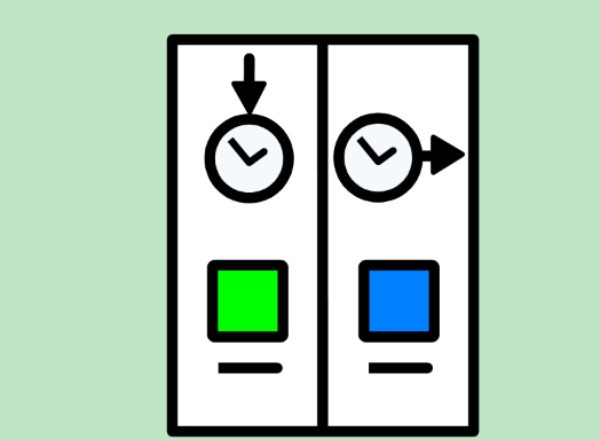
Categorize tasks into now, next, and then by selecting an activity and then selecting the respective column. After arranging the tasks, they can reset using the button located on the top right corner.
Now, Next and Then -US
Categorize tasks into now, next, and then by selecting an activity and then selecting the respective column. After arranging the tasks, they can reset using the button located on the top right corner.