Zur freien Verwendung
Rastersets die jedem zur Verfügung stehen.
Whiteboard
Using a whiteboard drawing app is a great way to involve gesturing in the communication process. The Whiteboard is like a blank piece of paper that you write or draw on with your finger. Use it to write short messages, letters, or draw pictures to...
Whiteboard
A simple whiteboard grid set. Suitable for touch access only, you can draw or write using your fingertip on the screen. Change your pen thickness and colour to best fit your drawing or message. v1.0
Whiteboard
A simple whiteboard grid set. Suitable for touch access only, you can draw or write using your fingertip on the screen. Change your pen thickness and colour to best fit your drawing or message. v1.0
Whiteboard
A simple whiteboard grid set. Suitable for touch access only, you can draw or write using your fingertip on the screen. Change your pen thickness and colour to best fit your drawing or message. v1.0
Whiteboard
A simple whiteboard grid set. Suitable for touch access only, you can draw or write using your fingertip on the screen. Change your pen thickness and colour to best fit your drawing or message. v1.0
Whiteboard
A simple whiteboard grid set. Suitable for touch access only, you can draw or write using your fingertip on the screen. Change your pen thickness and colour to best fit your drawing or message. v1.0
Whiteboard
A simple whiteboard grid set. Suitable for touch access only, you can draw or write using your fingertip on the screen. Change your pen thickness and colour to best fit your drawing or message. v1.0
Whiteboard - Skrivtavla
Whitboard - Skrivtavla är en anpassning gjord för att styra Windows 10 Appen "Whitboard". Börja med att ladda hem denna via Store på din Windows 10 dator.
Whiteboard launcher
Grid Set to launch Whiteboard for Eye Gaze. Will need to alter "change colour" pointer settings depending on screen size. Set computer control settings in Grid 3 eye gaze access settings to move pointer, dwell to click.


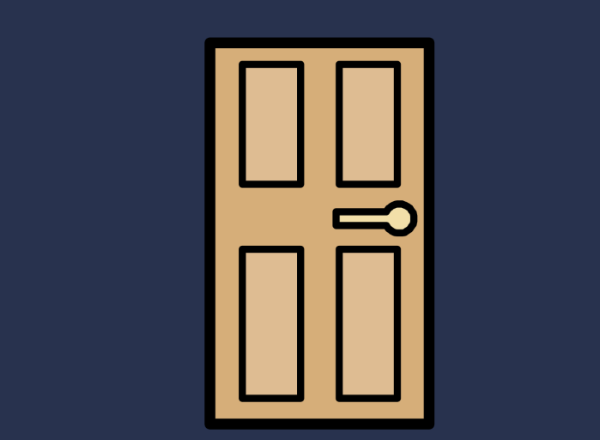
Who is behind the door
Four doors to open with spooky Halloween characters behind Noise sound effects
Who is behind the door
Four doors to open with spooky Halloween characters behind Noise sound effects SIMPLE
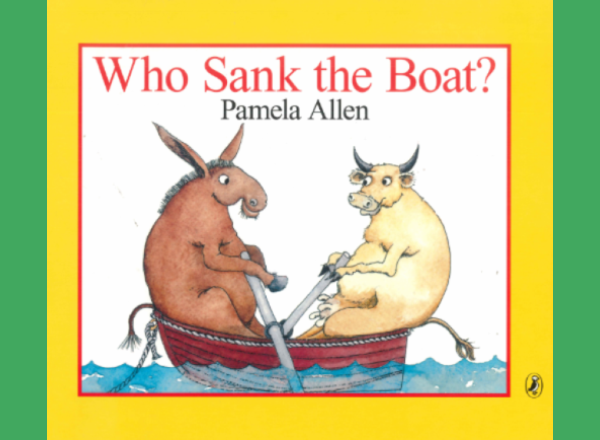
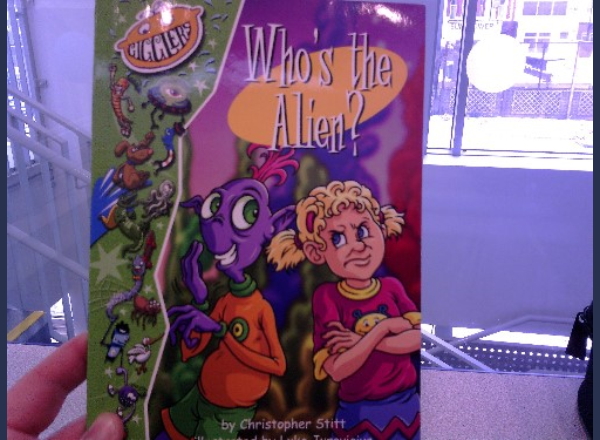
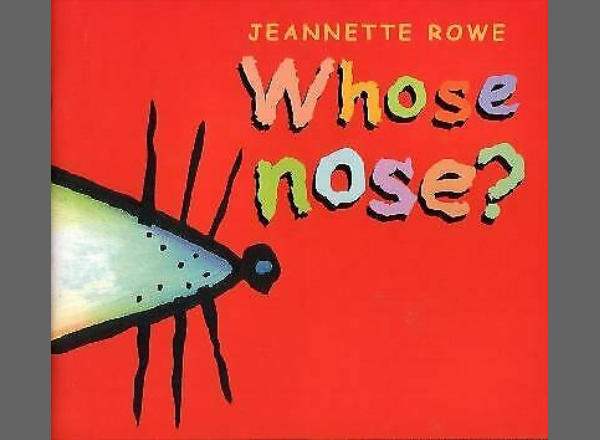

Why….because pictures
Adapted from a why/ because resource from Twinkl Picture and 3 phrases to choose from to answer
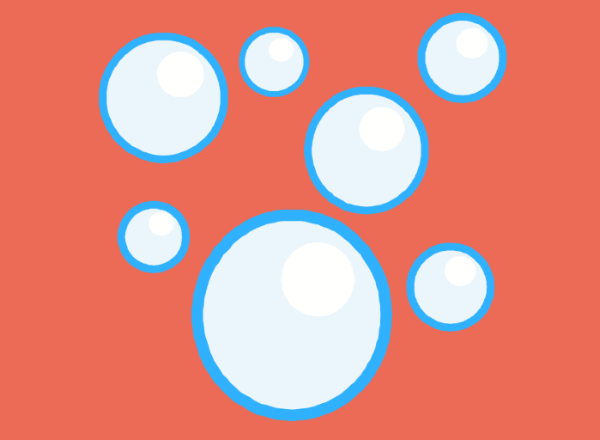
Wide Set Bubbles
Icons are set in each corner with a large space between to account for fine motor difficulties.